

Mate
Share a mat with friends
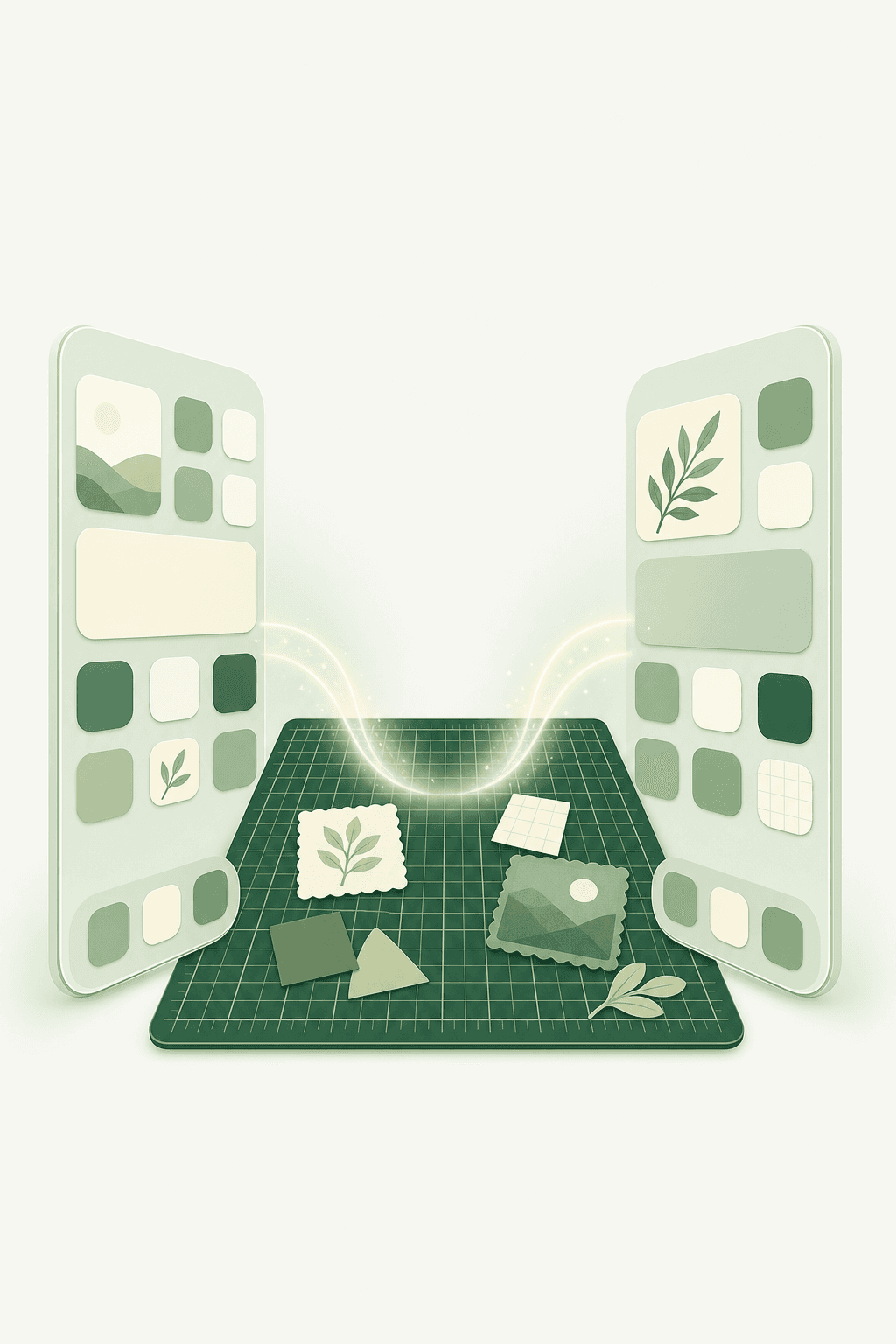
A shared cutting mat on both Home Screens. Leave notes, stickers, and photos together.
01
Share a mat
Each friendship gets one shared cutting mat — always there when you open your phone.
02
Leave notes & stickers
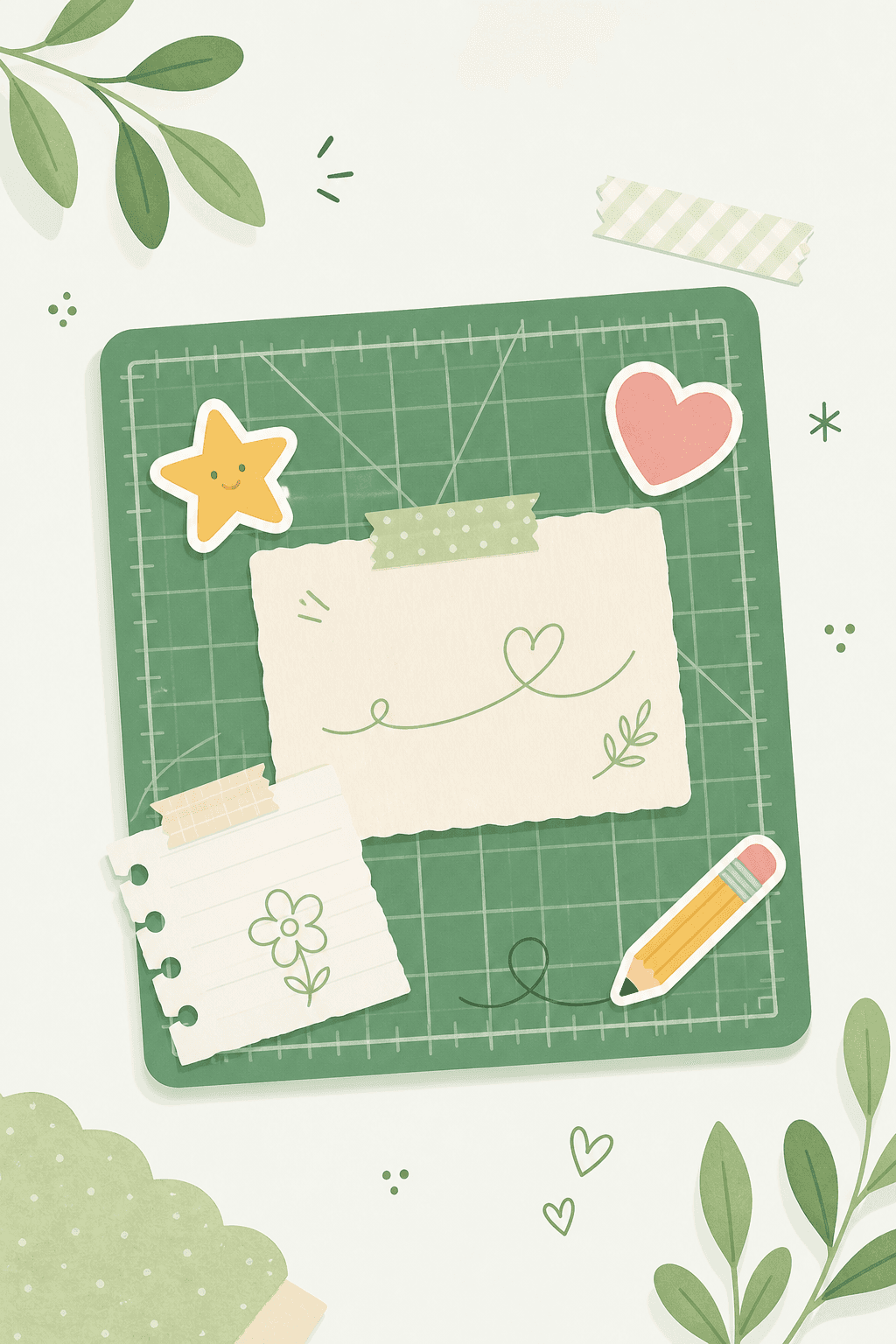
Drop notes, doodles, photos, stickers, and emojis together on the same canvas.
03
Add the widget
Pin the mat to both Home Screens so updates show up without opening the app.
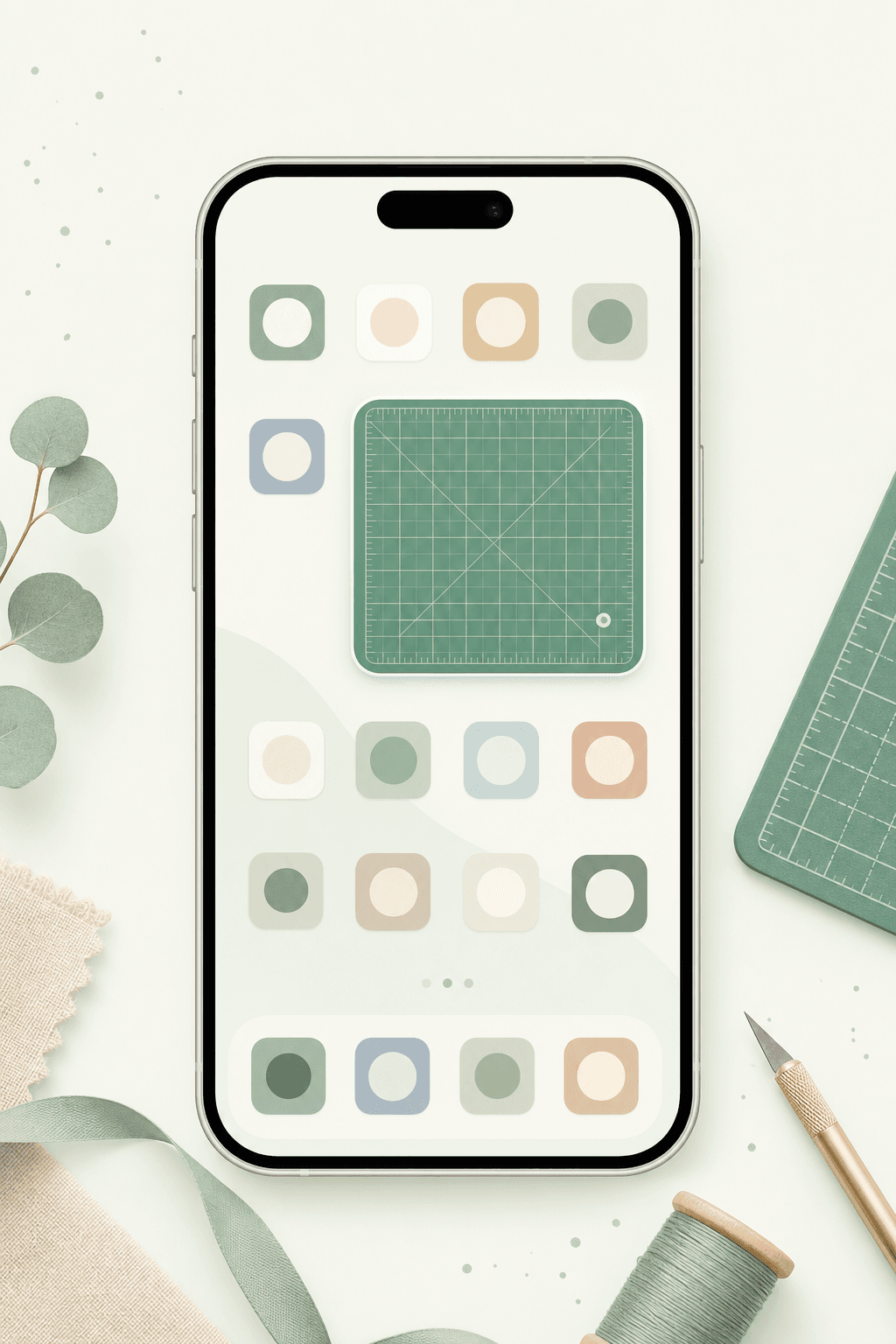
Put a mat on your Home Screen
Mate is free to start — share notes with up to three friends, then go Premium when you want more.